Files
How to send a print-perfect PDF
Plot to PDF at the right size, embed the fonts and check the scale bar. Five minutes now saves a reprint later.

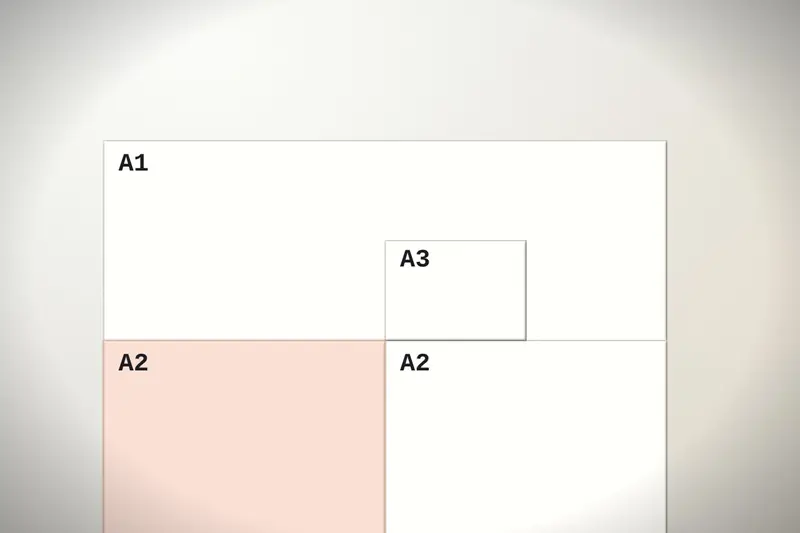
Plot at the real sheet size
Set the PDF page to the sheet you want printed, A1 for an A1 drawing, and plot at 1:1. A drawing squeezed onto A4 and scaled up later loses its scale and its fine lines.
Embed fonts and flatten layers
Embedded fonts keep text looking the same on our plotter. If your CAD software offers it, flatten layers so hidden items do not print by surprise.
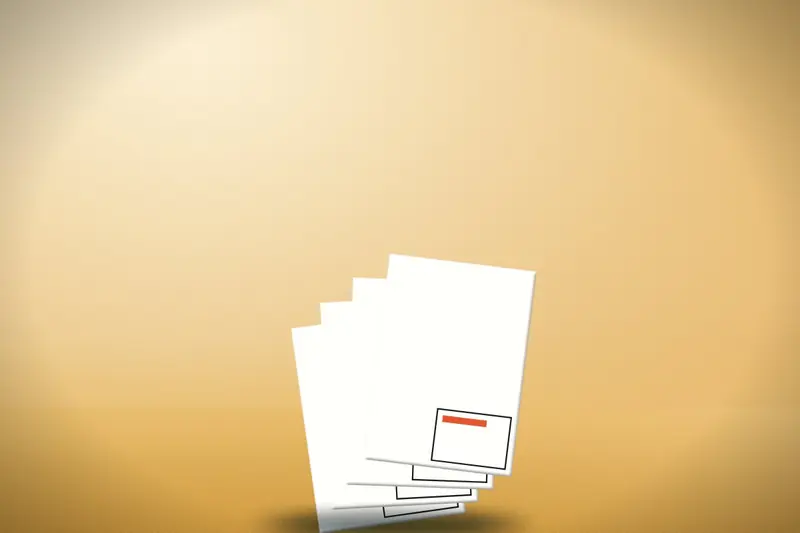
Add a scale bar
A scale bar on every sheet lets anyone check the print with a rule. We check it on the first sheet of every set.
Checklist
- Page size matches the sheet
- Plotted at 1:1
- Fonts embedded
- Scale bar on each sheet
- File names match the drawing register
Ready to print?
Email us at dev.cadconsolutionsltd@gmail.com or call +44 7437 105692.